In today’s digital age, clear and professional email communication is more important than ever.
Whether you’re a freelancer, an entrepreneur, or an employee, improving your communication skills can help you stand out and appear more professional.
Have you ever received an email that made you read it twice to understand? Or found yourself relieved after catching spelling mistakes before you hit ‘send’?
In this blog post, we’ll explore two valuable tools for enhancing your communication: email templates and automated replies.
- Email templates help you ensure that your messages are always professional and consistent, eliminating errors and saving you time searching for the right phrases.
- Automated replies can streamline your workload by handling frequent tasks, like responding to common inquiries or confirming appointments, while maintaining high standards of professionalism.
By incorporating these strategies, you can project confidence and reliability, streamline your workflow, and provide a better experience for everyone you interact with.
A. Unlock the full potential of your emails with templates
1. Definition
Email templates are predefined formats for email communications that help you standardize the structure and content of your emails. They ensure consistency, clarity, and professionalism in all your interactions, and can be tailored to specific needs to increase engagement.
2. Benefits
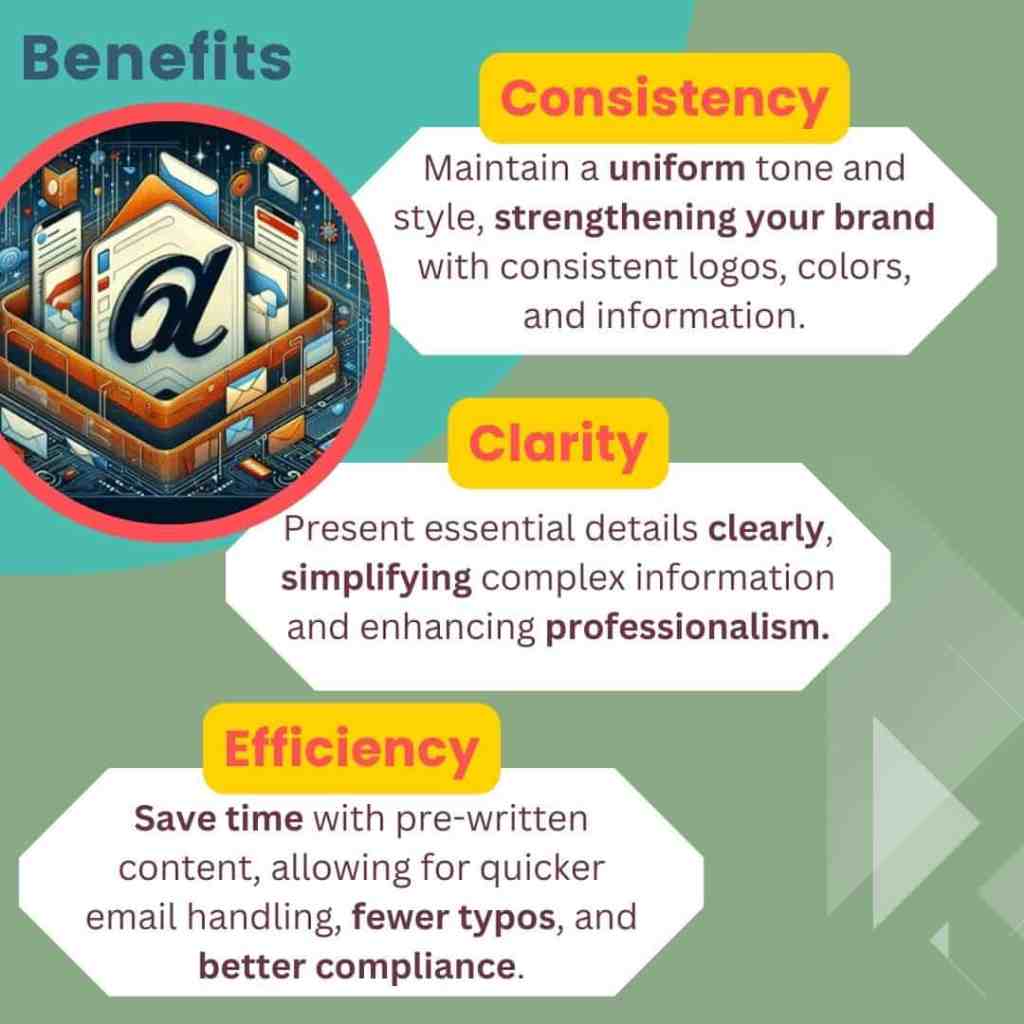
Consistency
- Uniform tone and style
Templates ensure that all your communications maintain a consistent tone and style, reflecting your voice and values, or that of your brand. This allows you to build a professional image and establish trust among your listeners. - Standardized information
The use of templates ensures that the correct and complete information is always included and presented consistently. This avoids neglecting important details and provides a uniform experience for recipients. - Brand image
The consistent use of brand elements such as logos, colors and slogans in your templates helps to strengthen your brand identity and make your communications easily recognizable.
Clarity
- Detailed communication
Templates improve clarity by ensuring that all essential details are systematically included. Since you don’t have to write everything from scratch every time, you can guarantee that every step and every relevant detail is covered.
As such, the templates help prevent omissions and ensure that the recipients receive a complete message, dealing with all the necessary aspects of communication. - Clear presentation
By structuring your templates in a clear and standardized way, you can improve the perception of information. You can break down complex details into easy-to-digest sections, which make the content more accessible and simpler.
This organized approach reduces the risk of misinterpretation and helps recipients to quickly understand the information provided and act accordingly. - Professionalism and trust
Clear and well-structured emails project a professional image. By presenting information in an organized and coherent way, you demonstrate your attention to detail and commitment to effective communication.
This makes you more credible, strengthens the trust recipients place in you, and leads to stronger and more positive relationships.
Efficiency
- Time saving
The templates provide pre-written content for common scenarios, eliminating the need to compose each email from scratch. This speeds up the communication process, allowing you to handle a larger volume of emails in less time. This is especially useful during busy periods or when dealing with repetitive queries. - Focus on personalization
Since most of the content is pre-written, you can spend more time customizing specific parts of the message. This helps build a connection with your recipient without sacrificing efficiency. - Minimized typos and increased compliance
Templates reduce the likelihood of typographical errors because the content is reviewed and verified in advance. They also ensure that all your communications adhere to company policies and industry regulations, minimizing the risk of compliance issues.
3. Best practices
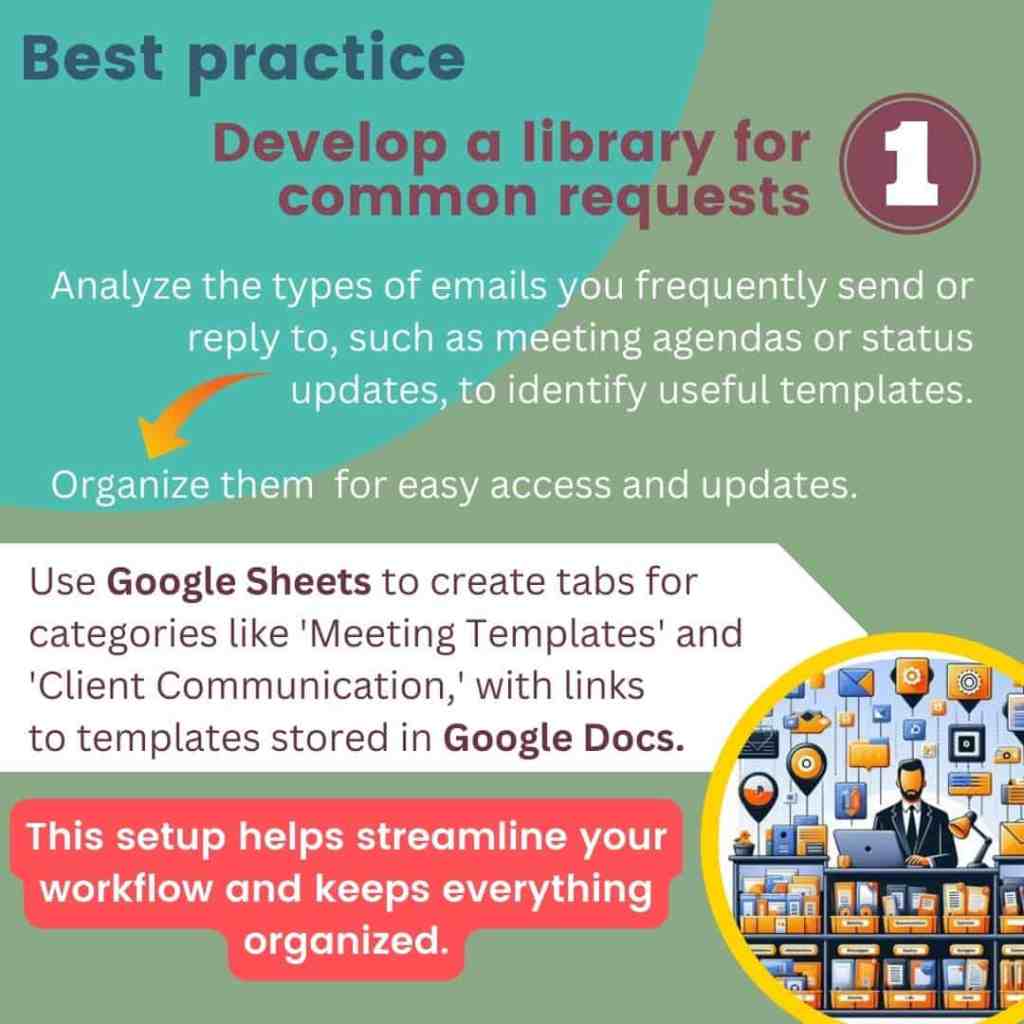
Develop a library of templates for common requests
First, analyze the types of emails you frequently write or reply to. This will help you identify which email templates are most relevant to your role. For instance, if you often send weekly meeting agendas, need to update clients on the status of their orders, or gather your team’s monthly project status, these scenarios can guide you in creating a useful library of templates.
Then, organize these templates systematically so they are easily accessible and can be updated as needed. Personally, I am a big fan of Google products, so I use Google Docs and Google Sheets for this purpose.
I create a Google Sheet with different tabs for each category, such as “Meeting Templates,” “Status Updates,” and “Client Communication.” In the sheet, I include columns for the template name, purpose, and a link to the template, which is stored in my Google Doc.
The Google Doc contains an outline with headings that match the categories in my Google Sheet, and each section includes hyperlinks to the relevant tabs in the sheet.
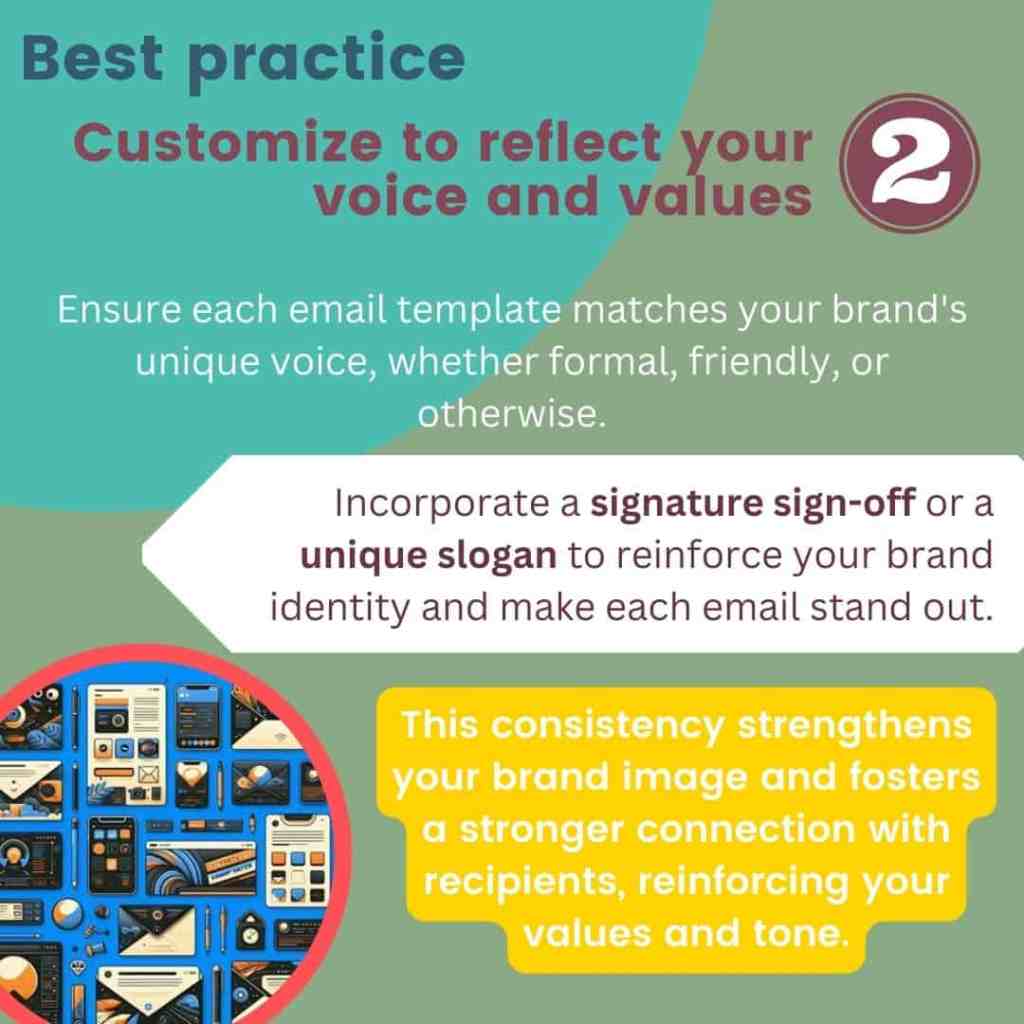
Customize your templates to reflect your or your brand’s voice and values
Make sure each email template aligns with your brand’s unique voice, whether it’s formal, friendly, or somewhere in between. This helps to maintain a consistent brand image in all communications.
Adapting your models to reflect your personality or that of your brand not only improves recognition, but also promotes a stronger connection with your interlocutors reinforcing the values and the tone that you represent.
For example, I created my own personal ending greetings that resonate with my brand.
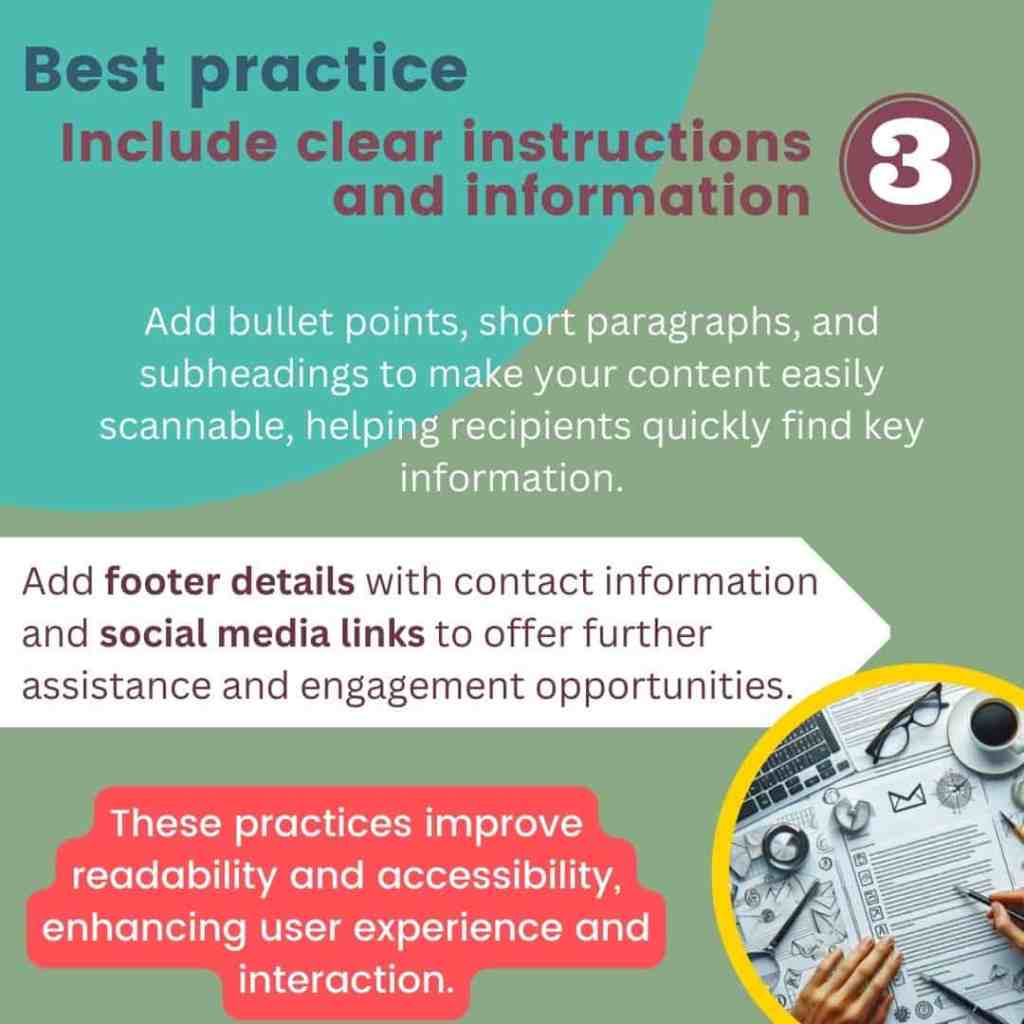
Include clear instructions and information
Make your content easily scannable by using short paragraphs, bullet points, and subheadings, which help recipients quickly locate the information they need. Additionally, include footer information with contact details and social media links to offer further assistance and engagement opportunities.
For example, my templates always include links to my website, LinkedIn profile, and Instagram to provide recipients with easy access to more information and ways to connect.
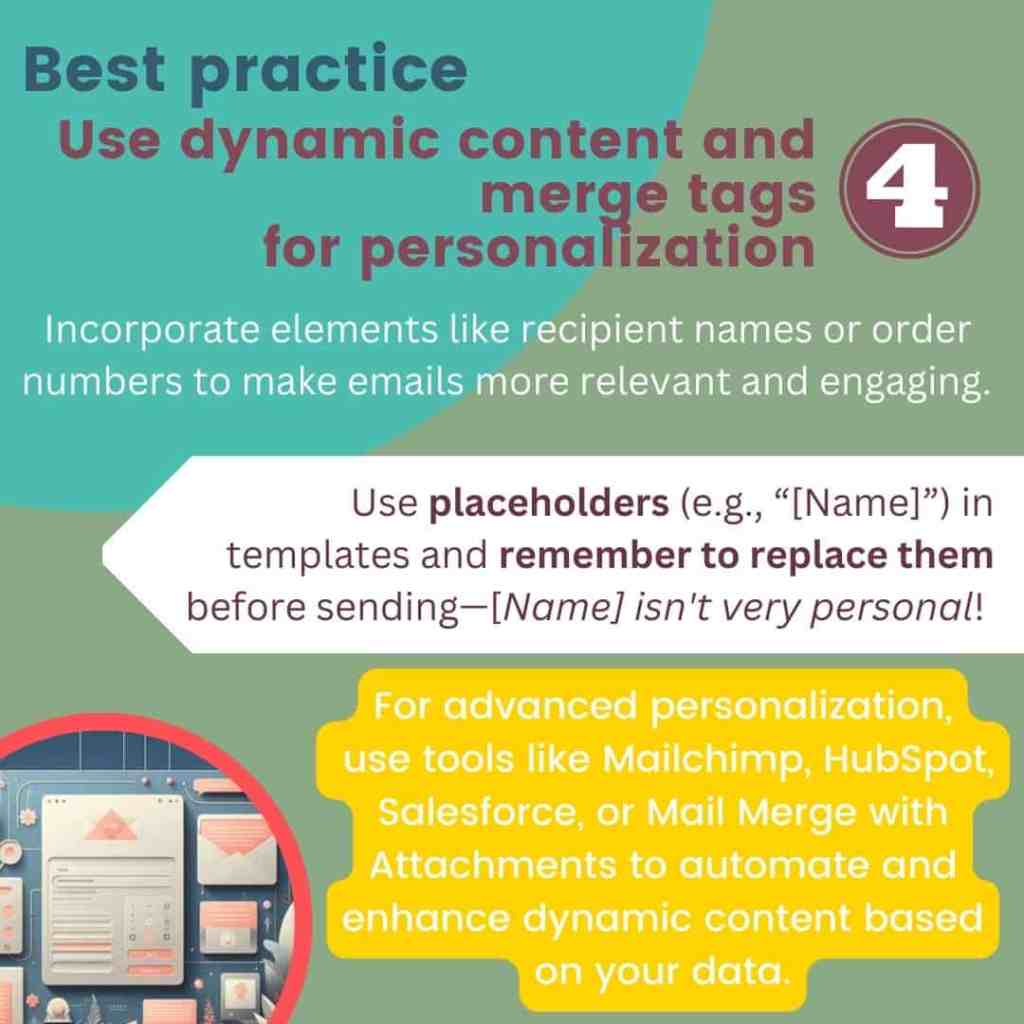
Use dynamic content and merge tags for personalization
Dynamic content refers to elements in your email that adjust based on specific data or criteria, such as the recipient’s name, meeting date, or order number. This customization helps make your emails more relevant and engaging.
I use Gmail’s built-in “Templates” feature to save and reuse my email templates. While Gmail doesn’t natively support advanced merge tags, I include placeholders (e.g., “[Name]” or “[Product]”) in my templates and manually replace them before sending. And I make sure not to forget to fill all my placeholders—I’ve learned the hard way that ‘[Name]’ isn’t very personal!
For more advanced personalization, you can use
- Email Marketing platforms
Mailchimp: Allows you to show different content based on subscriber segments.
HubSpot: Displays personalized content based on lists or user properties. - Customer Relationship Management (CRM) systems
Salesforce: Enables you to create content blocks that change based on criteria from your CRM data. - Third-Party tools
Mail Merge with Attachments: Allows for advanced personalization by importing data from Google Sheets and automatically inserting dynamic content like recipient names or other relevant fields.
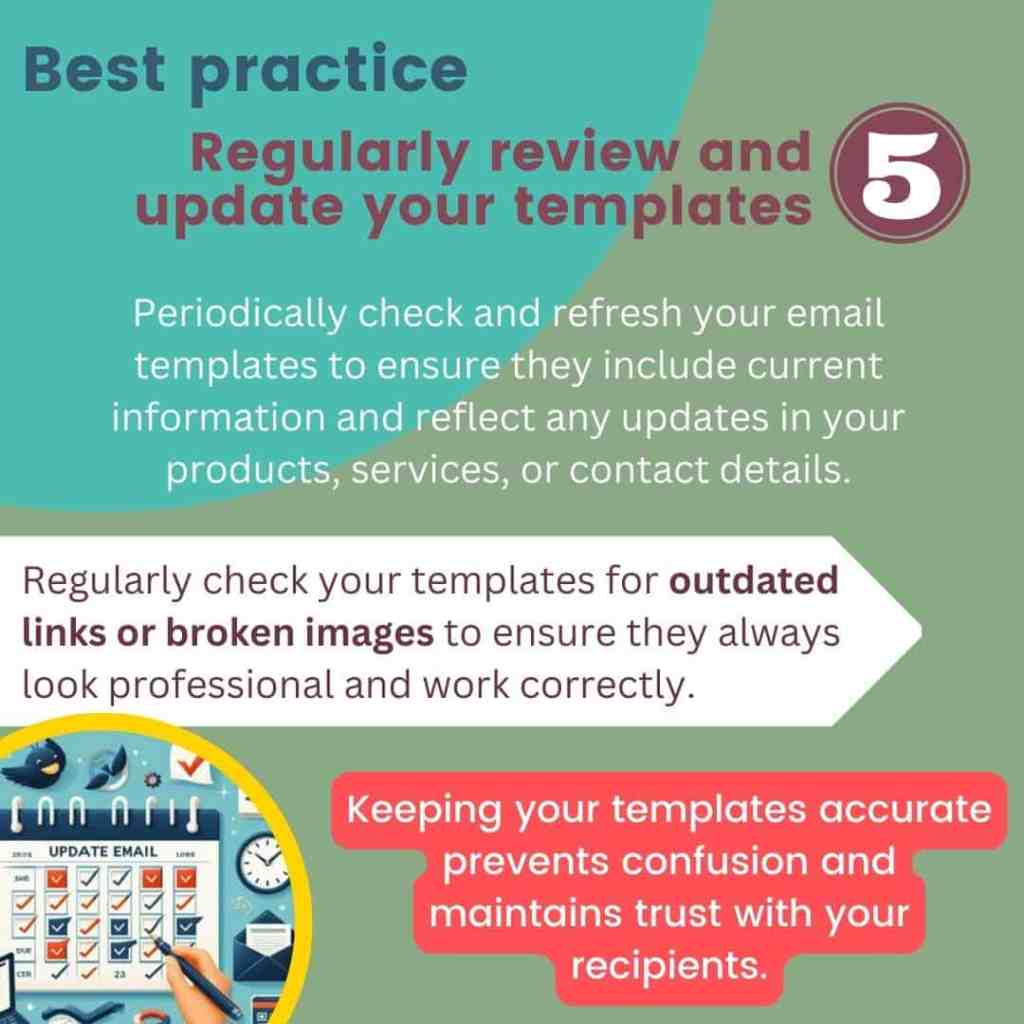
Regularly review and update your templates
Review and update your email templates periodically to ensure that they remain accurate and reflect any changes in your products, services, or contact data. Outdated information can lead to confusion and damage trust with your interlocutors.

4. Examples
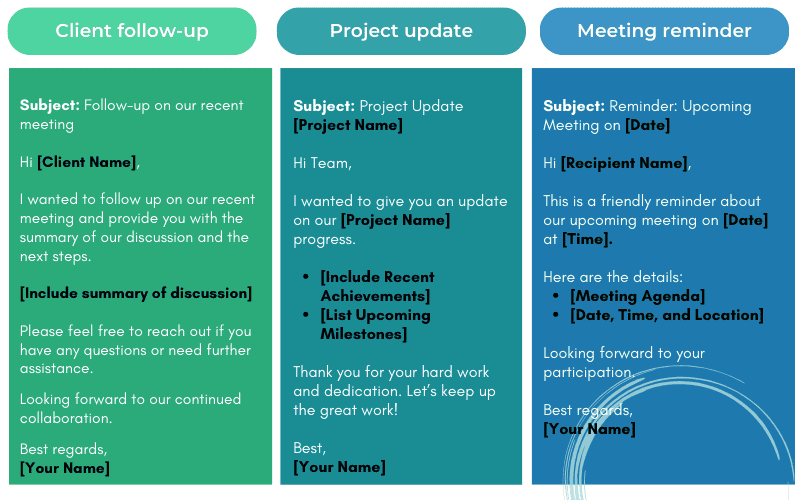
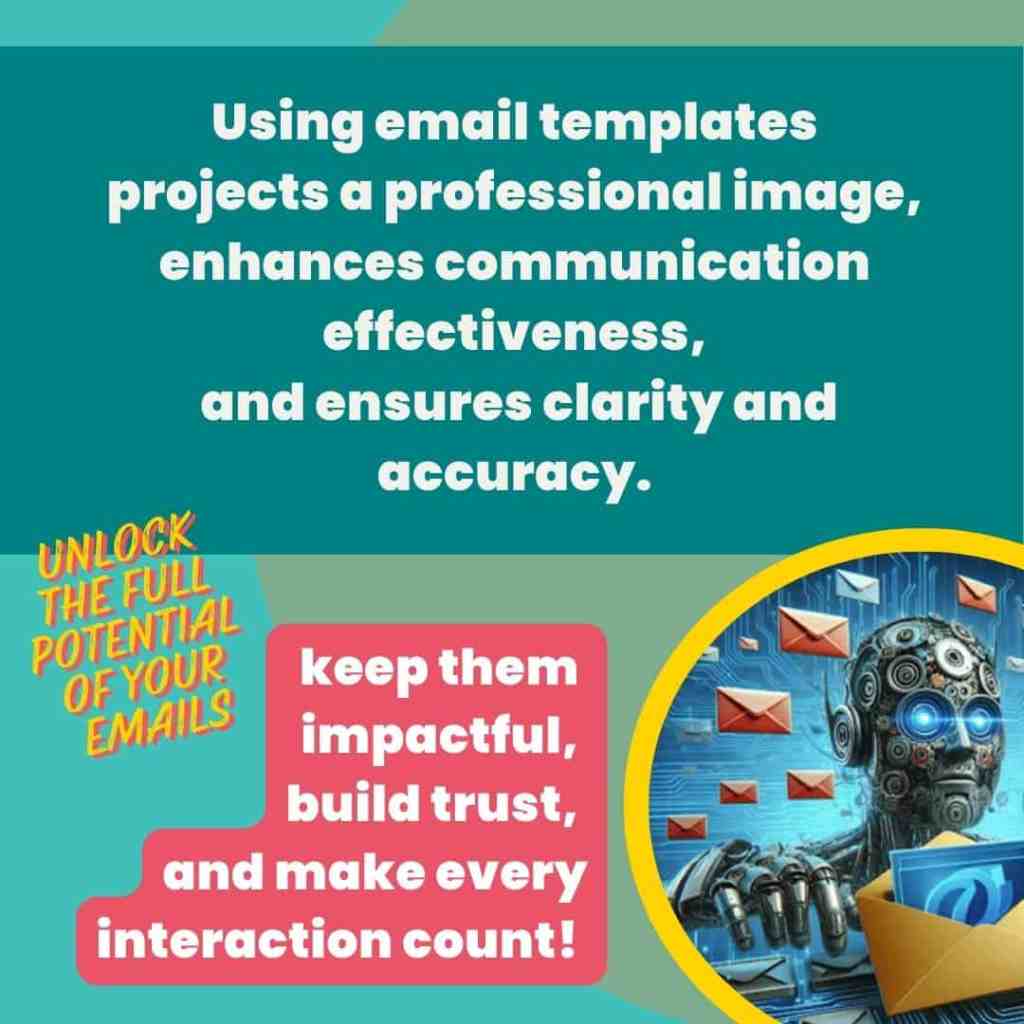
| The use of email templates helps project a professional image, enhance the effectiveness of your communications, and ensure they are always clear, accurate, and reliable. By developing a library of standardized templates, adapting them to reflect your voice, customizing them for personal connection, and updating them regularly, you can improve your communication strategy and build trust with your customers, peers, and managers. |
You can now take efficiency to the next level with automated email responses.
While templates set the stage for effective communication, automation brings this efficiency into real-time interactions.
Let’s explore how automated email responses further enhance communication, save time, and maintain consistency!

B. Boost your day with automated email responses
1. Definition
An automated email response is a pre-written message that is automatically sent to an email sender without manual intervention.
This response is designed to provide instant acknowledgment, information, or action and is triggered by specific conditions or events, such as out-of-office replies, customer support inquiries, e-commerce transactions, lead generation, and more.
It ensures that recipients receive timely and consistent information without requiring any manual effort.
2. Benefits
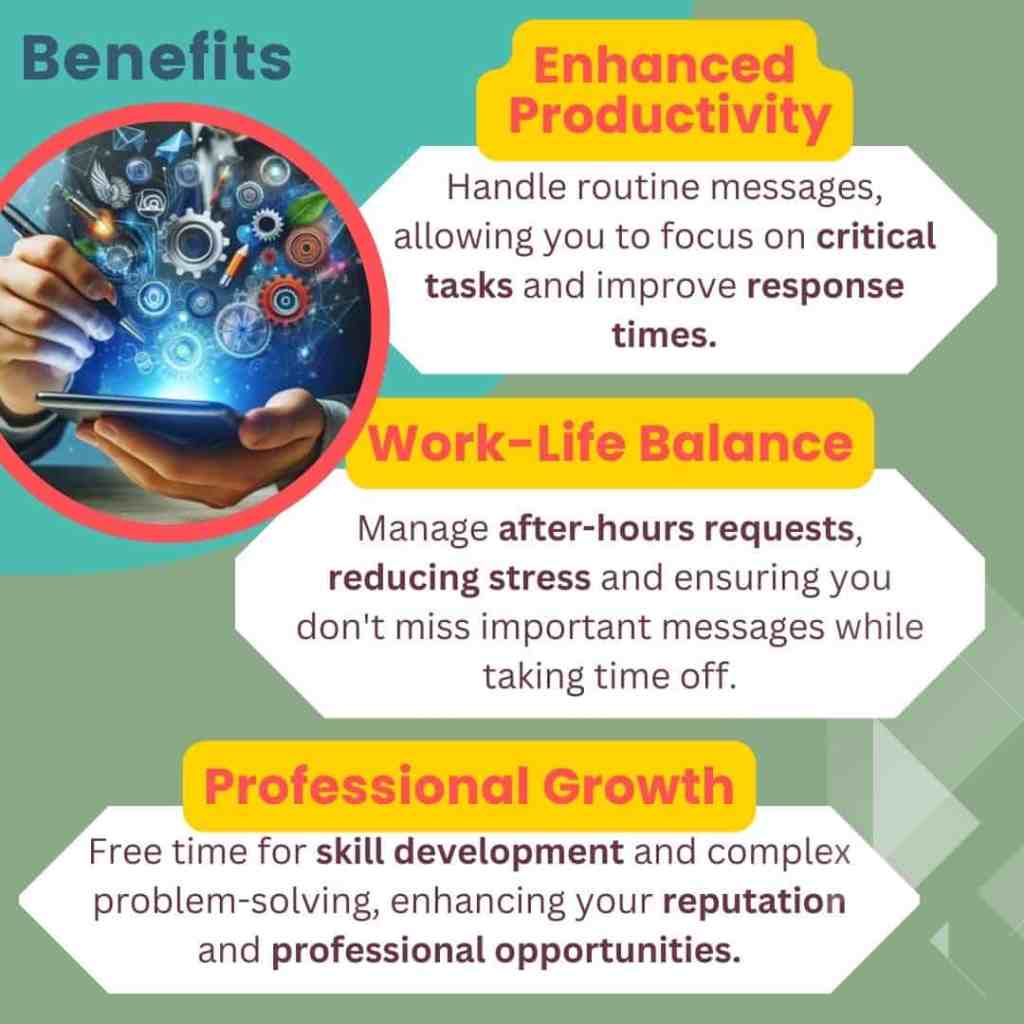
Enhanced productivity
- Increased efficiency
Automated responses manage all your routine messages, allowing you to focus on more critical tasks and high-value activities.
By minimizing the need for manual intervention, these answers allow you to dedicate more time to complex tasks, thus improving your overall productivity. - Improved response times
They guarantee a fast acknowledgment of receipt of messages, maintaining professional responsiveness regardless of your workload or working hours.
This immediate feedback reassures your contacts that their requests are being processed and helps to manage their expectations. - Better prioritization of tasks
They improve the way you manage incoming communications, allowing you to organize your workload more efficiently.
Tasks such as order confirmations, password resets and subscription confirmations are handled automatically, streamlining operations and reducing your administrative burden.
Work-life balance
- Reduction of after-hours work
Automated responses handle basic requests outside normal working hours, reducing your need to constantly monitor communications during personal time.
By automatically processing routine questions and requests, you can enjoy a better work-life balance without the constant pressure of checking emails or replying to messages after hours.
Forget the 5:59 PM dilemma of whether to deal with that last email or save it for tomorrow—automation takes care of it for you, letting you focus on more enjoyable things, like actually relaxing! - Stress reduction
They alleviate the stress of having to respond immediately to each message. Knowing that an automated response will acknowledge receipt of the message and provide initial feedback allows you to manage your time more efficiently.
This leads to a healthier work environment, as you can focus on more important issues without feeling overwhelmed by the need for constant immediate answers. - Easier time off
They make it easier to take time off by automatically notifying contacts of your unavailability. When you set up an out-of-office message, the system can notify senders of your absence, provide them with other contact options and even direct them to useful resources or support channels.
This ensures that your absence does not disrupt the flow of communication and helps to maintain professional continuity during your absence. As a result, you can take time off without worrying about missing important messages or leaving your team in a difficult position.
Your inbox will still be there when you get back, but at least you won’t have to worry about it while you’re enjoying the beach!
Professional growth
- Focus on skill development
Automating routine tasks frees up valuable time that can be redirected toward developing advanced skills relevant to your profession.
When you’re not overwhelmed by repetitive work, you have the opportunity to pursue training, learn new technologies, or take on challenging projects that expand your expertise.
This extra time allows you to stay up-to-date with industry trends and improve your qualifications, which can lead to career advancement and new opportunities. - Enhanced problem solving
With routine tasks handled automatically, you can dedicate more time and mental energy to solving complex problems.
This allows you to deepen your problem-solving skills, analyze complex challenges more thoroughly, and develop innovative solutions.
By focusing on these higher-level tasks, you can make more impactful contributions to your organization and find creative ways to overcome obstacles that may have seemed daunting before. - Improved professional relationships
Automation ensures that communication remains consistent and timely, which is essential for maintaining strong professional relationships.
By providing quick responses, automated systems help build trust with your contacts. This reliability improves your reputation and fosters positive interactions, leading to greater contact satisfaction and potentially increased professional or business opportunities.

3. Best practices
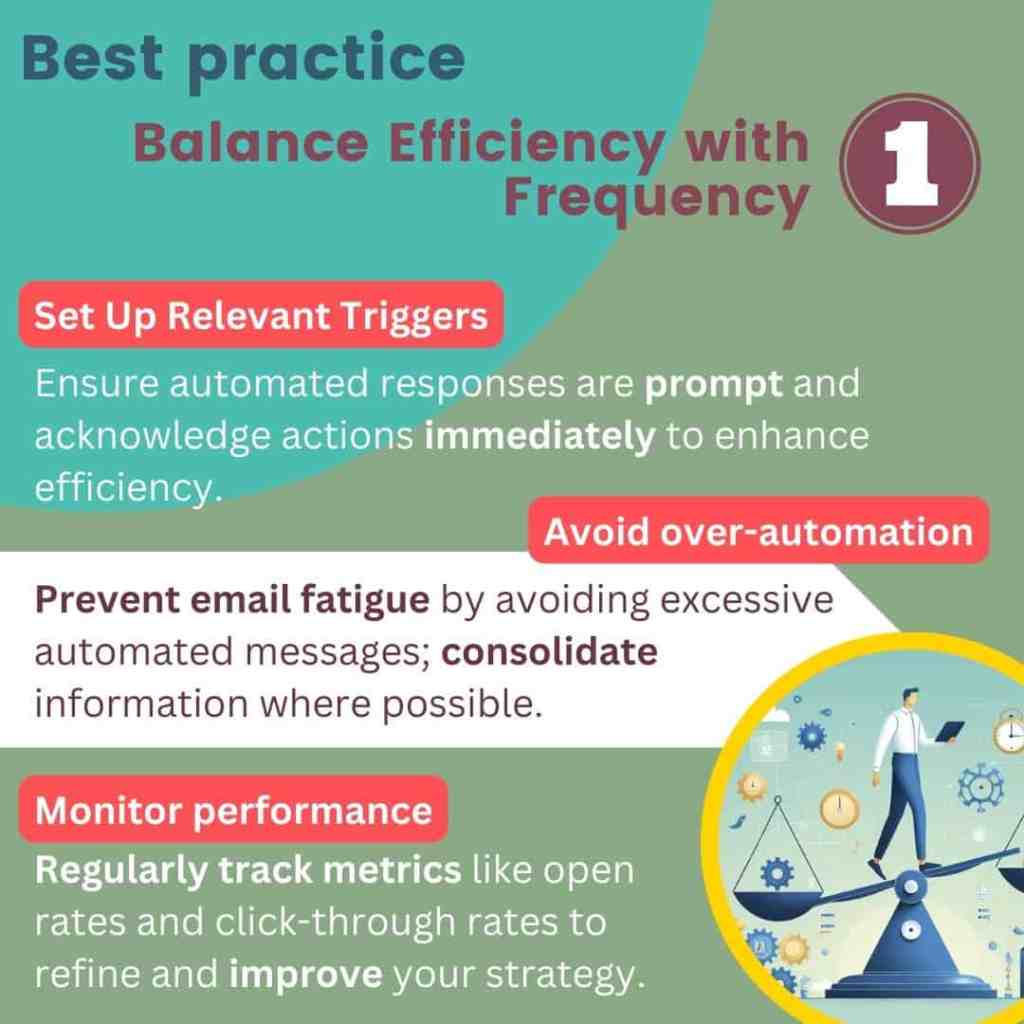
Balance efficiency with frequency
- Set up relevant triggers
The first step in setting up effective automated email responses is to ensure that they are triggered instantly. Whether a customer places an order, a provider sends a quote, or a manager schedules a meeting, an immediate response acknowledges their action and provides them with timely information.
This promptness reassures the sender that their interaction has been recognized and is being processed, which enhances overall communication efficiency. - Avoid over-automation
While automation is a powerful tool, it’s crucial not to overwhelm recipients with too many emails. Over-automation can lead to email fatigue, causing people to overlook important messages or view your communications as spam.
It’s important to strike a balance and ensure that each automated email serves a clear purpose. Consider consolidating information into a single email when possible, rather than sending multiple follow-ups for the same query. - Monitor performance
To ensure the effectiveness of your automated email responses, it’s important to regularly monitor their performance. This involves tracking key metrics such as open rates, click-through rates, and response rates.
By analyzing this data, you can identify patterns and make informed decisions on how to optimize your email strategy.
Monitoring performance helps you understand how recipients are interacting with your emails and allows you to make necessary adjustments to improve their impact.
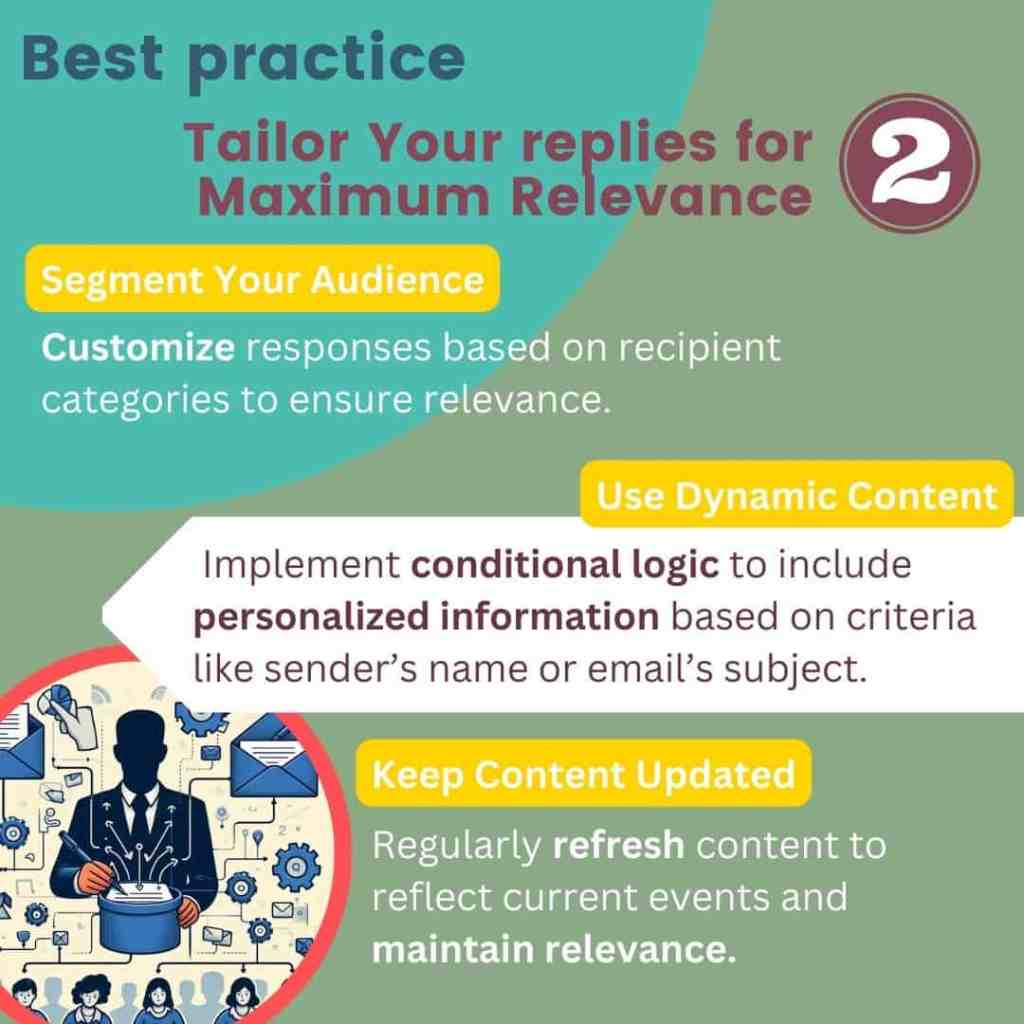
Tailor your emails for maximum relevance
- Segment your audience
One of the most effective ways to customize automated email responses is through segmentation. This means tailoring responses based on recipient categories or the type of inquiry.
By categorizing your audience—whether they are colleagues, managers, providers, or clients—you can ensure that each group receives information that is specifically relevant to them. This level of personalization enhances the recipient’s experience and ensures that they receive the most pertinent information. - Use dynamic content
Dynamic content involves using conditional logic to include relevant information in your automated responses. This means that the content of your email can change based on specific criteria, such as the recipient’s role, the nature of their inquiry, or their previous interactions with your organization.
By incorporating dynamic content, you can provide more personalized and relevant information, making your communications more effective and engaging. - Keep content updated
Dynamic content involves using conditional logic to include relevant information in your automated responses. This means that the content of your email can change based on specific criteria, such as the recipient’s role, the nature of their inquiry, or their previous interactions with your organization.
By incorporating dynamic content, you can provide more personalized and relevant information, making your communications more effective and engaging.
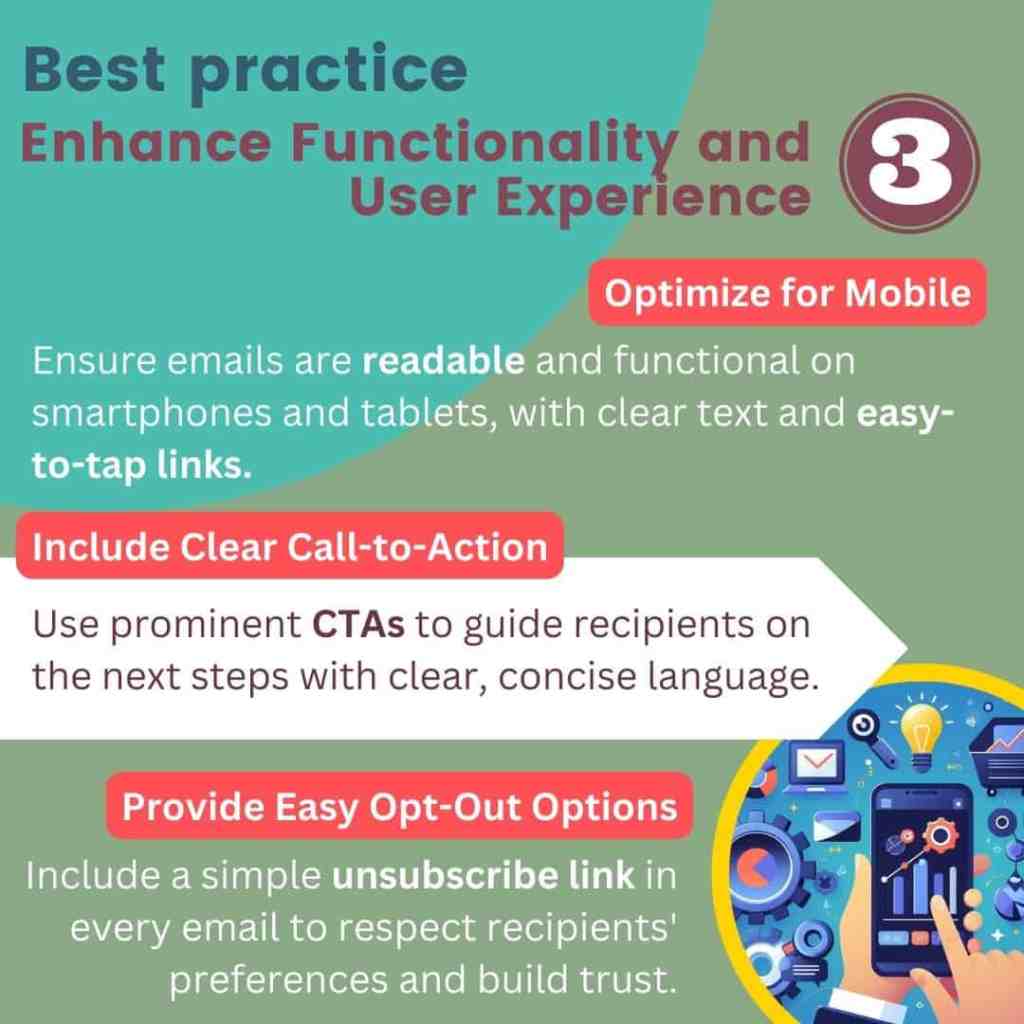
Enhance functionality and User Experience
- Optimize for mobile
In today’s mobile-centric world, it is crucial to ensure that your automated email responses are easily readable on all devices, including smartphones and tablets. Mobile optimization involves designing emails that look good and function well on smaller screens.
This includes ensuring text is readable without zooming, and making sure links and buttons are easy to tap.
By optimizing for mobile, you ensure that recipients can access and interact with your emails no matter where they are, enhancing the overall user experience. - Include clear Call-to-Action
Every automated email should include a clear call-to-action (CTA), guiding the recipient on the next steps or providing them with relevant links. Whether it’s confirming an appointment, downloading a document, or visiting a webpage, a well-defined CTA helps the recipient understand what to do next.
The CTA should be easy to find, using clear and concise language that leaves no room for confusion. This not only improves the user experience but also increases the likelihood of the recipient taking the desired action. - Provide easy Opt-Out options
While automated emails are useful, it’s important to respect recipients’ preferences. Providing an easy way for recipients to unsubscribe from automated messages is essential. This can be done by including a simple opt-out link or button in every email.
The process should be straightforward and hassle-free, ensuring that recipients who no longer wish to receive automated emails can quickly and easily remove themselves from your mailing list. This transparency helps build trust and shows respect for the recipient’s choices.
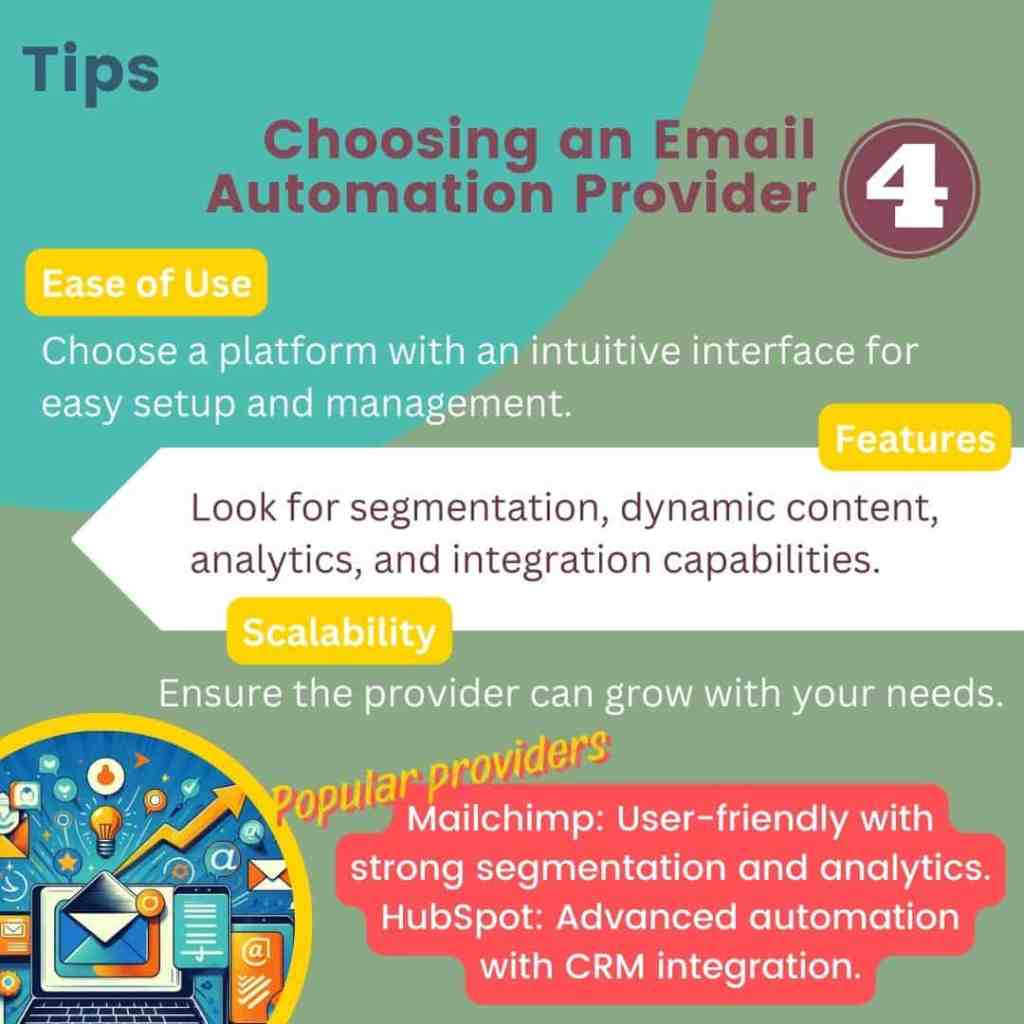
Tips for Choosing an Email Automation Provider
Selecting the right email automation provider is crucial for ensuring that your automated email responses are efficient and effective. Here are some factors to consider:
- Ease of Use: The platform should have an intuitive interface that makes it easy to set up and manage automated emails.
- Features: Look for features such as segmentation, dynamic content, analytics, and integration with other tools you use.
- Scalability: Ensure the provider can accommodate your needs as your business or professional requirements grow.
Popular email automation providers
- Mailchimp: Known for its user-friendly interface and comprehensive features, including segmentation and detailed analytics.
- HubSpot: Offers advanced automation capabilities, along with CRM integration and extensive customer support.

4. Examples
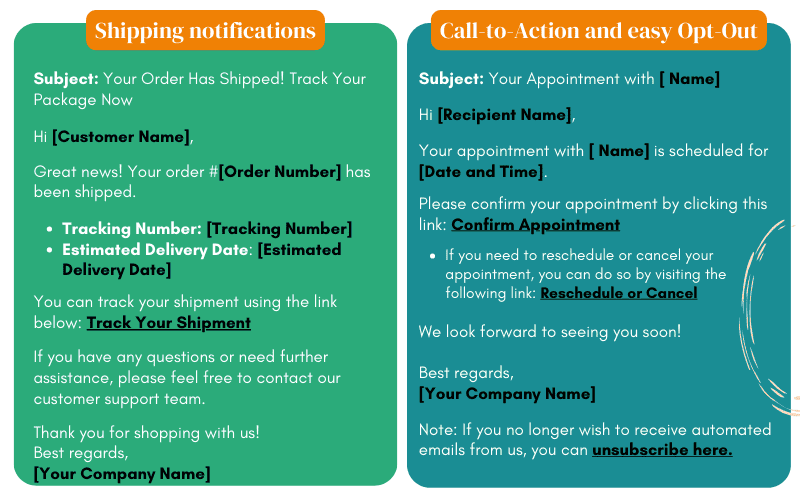
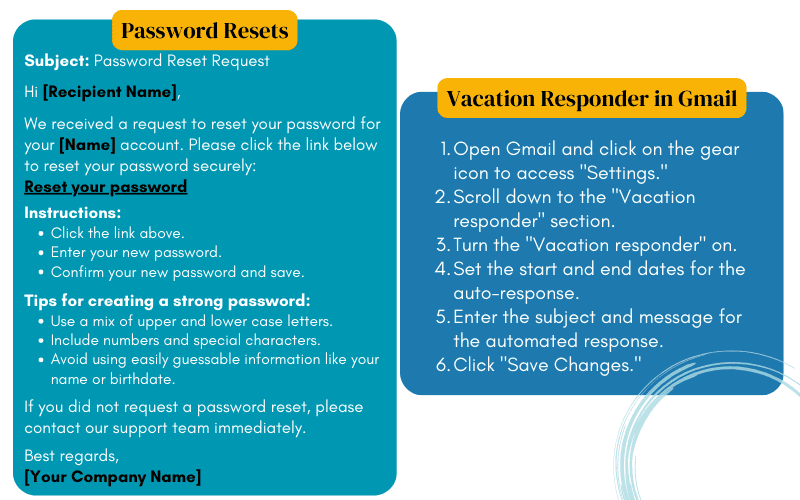
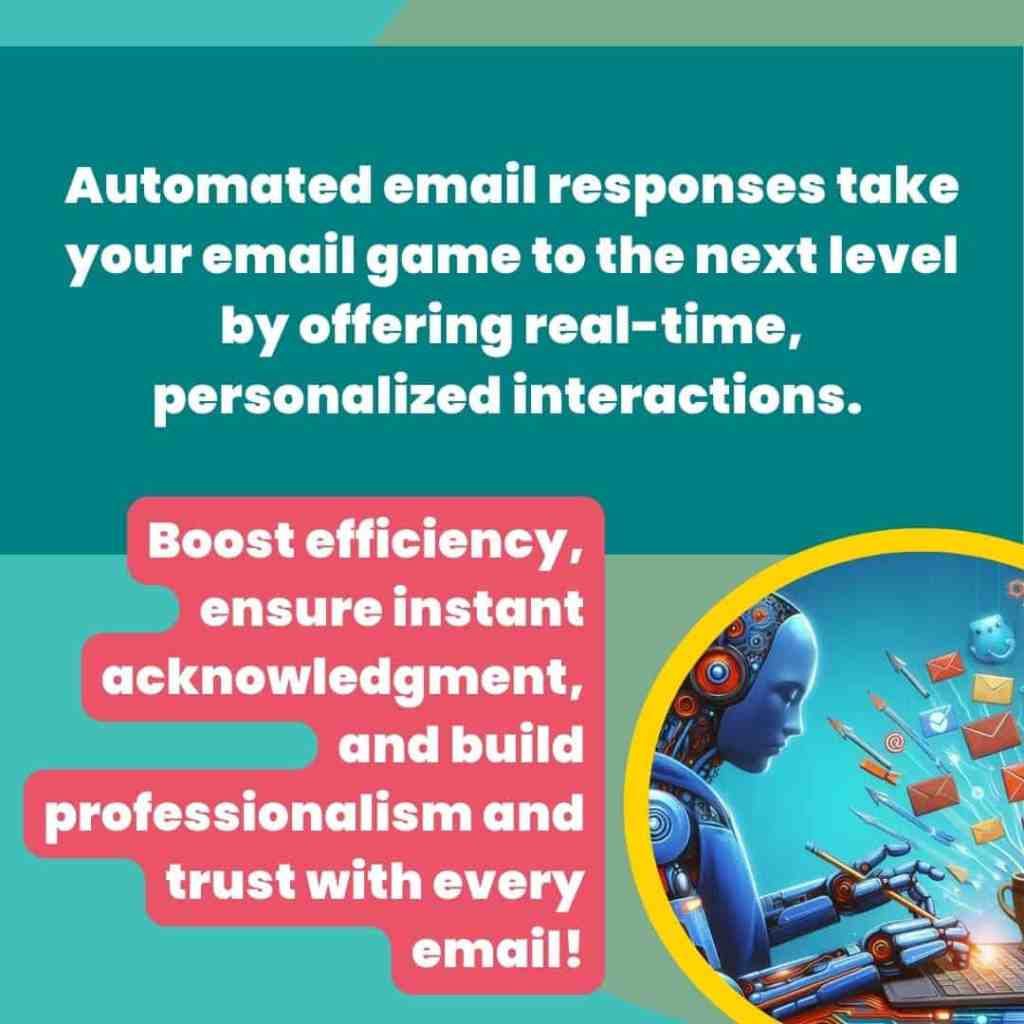
| Automated email responses build upon the advantages of email templates by providing real-time, consistent, and personalized interactions. They enhance communication efficiency, ensure immediate acknowledgment of sender actions, and maintain a high standard of service across all interactions. |
If you can’t or don’t want to invest in third-party tools, Gmail provides powerful tools to integrate both templates and automation seamlessly.
By utilizing Gmail’s features, you can ensure that every email interaction is handled efficiently and professionally, maximizing the advantages of both approaches.
Let’s explore how to set up and optimize these strategies within Gmail to elevate your communication practices to the next level!
C. Combining both strategies in Gmail
One powerful approach to streamline email management is combining auto-responses with keyword-based filtering in Gmail.
To set up an auto-response in Gmail that provides specific templates for different types of inquiries, you can follow these steps:
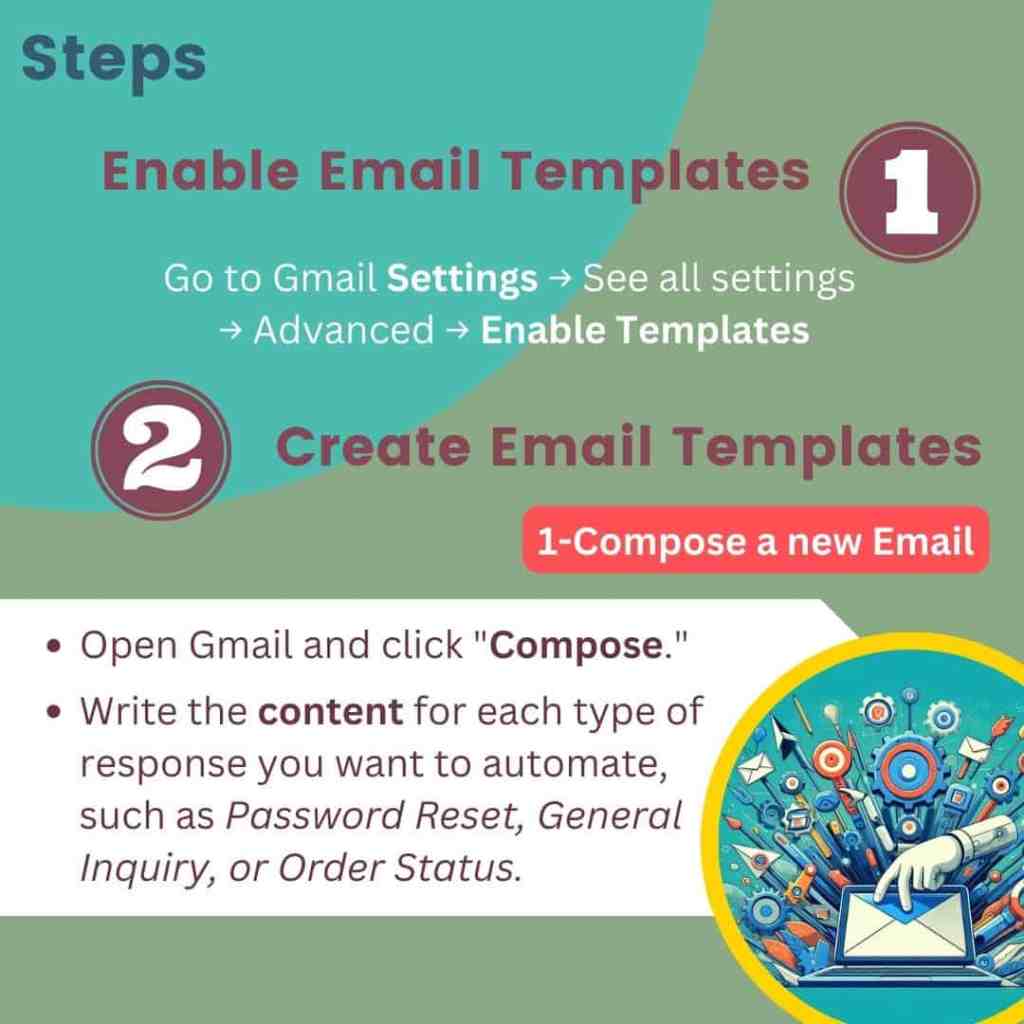
Step 1: Create email templates for each scenario
Compose a new email
- Open Gmail and click on “Compose.”
- Write the content for each type of response.
Create your templates
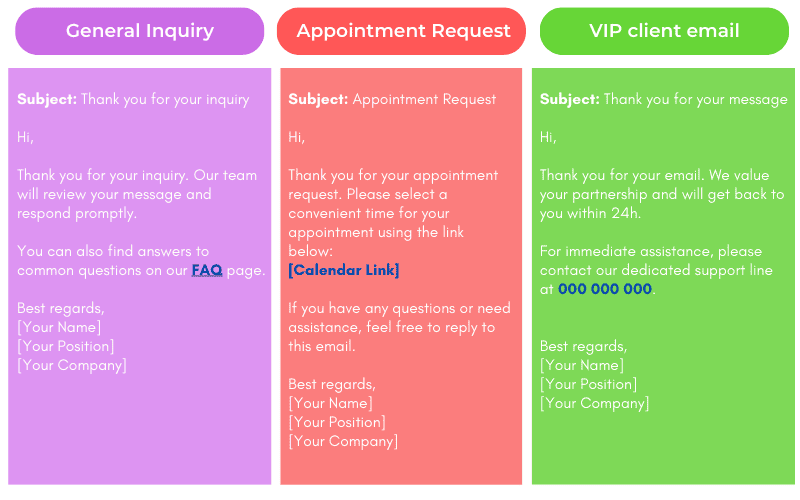
Save each template
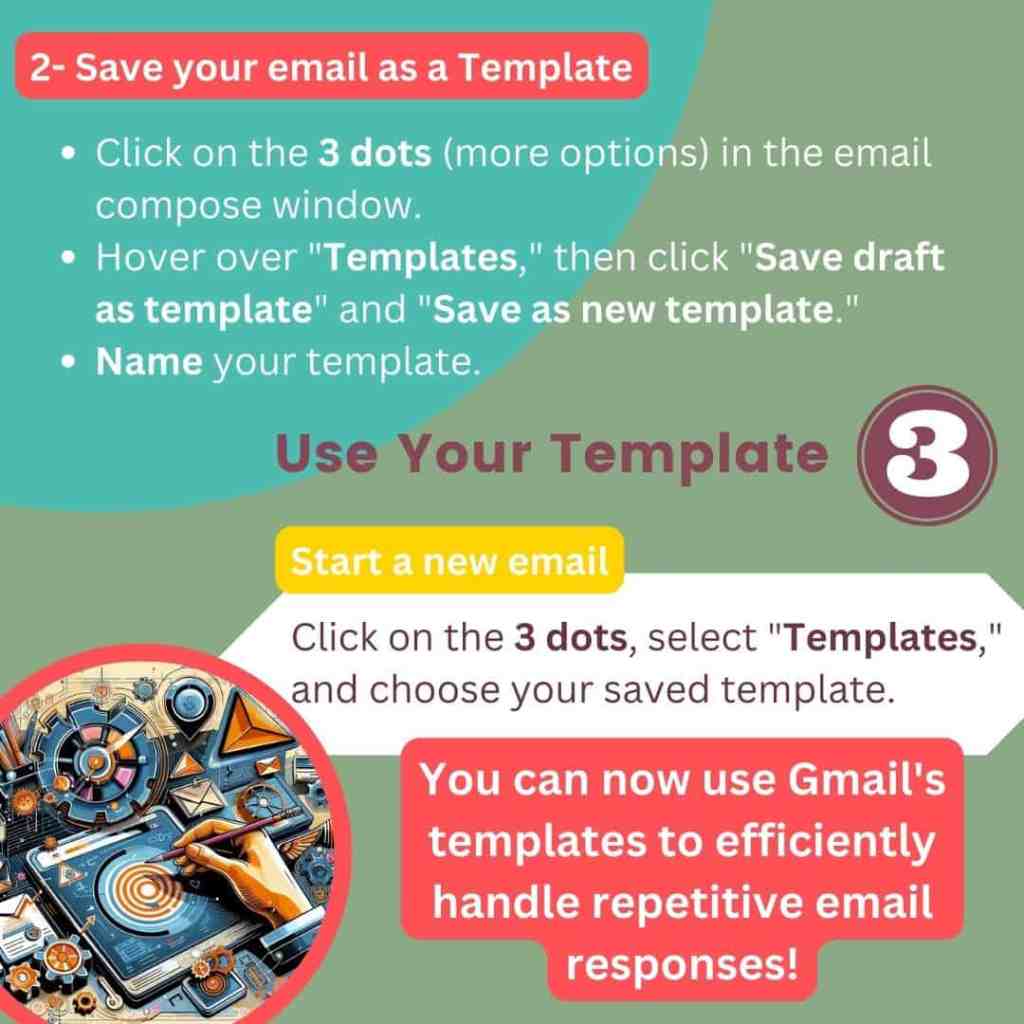
- Click on the three dots (More options) in the email compose window.
- Hover over “Templates,” then click on “Save draft as template” and “Save as new template.”
- Name your template “General Inquiry Response,” “Appointment Reset Response,” or “VIP Client Response.”
Step 2: Create filters for each scenario
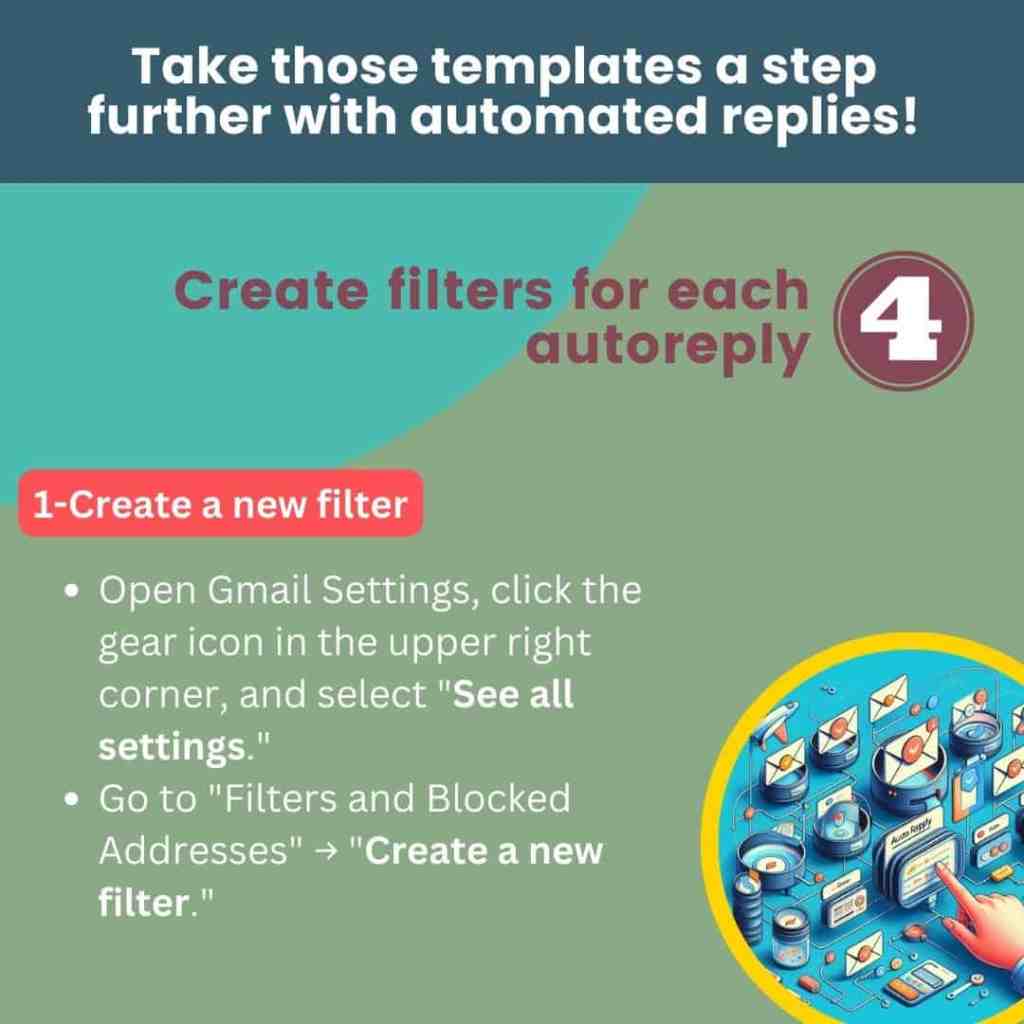
Open Gmail Settings
- Click on the gear icon in the upper right corner and select “See all settings.”
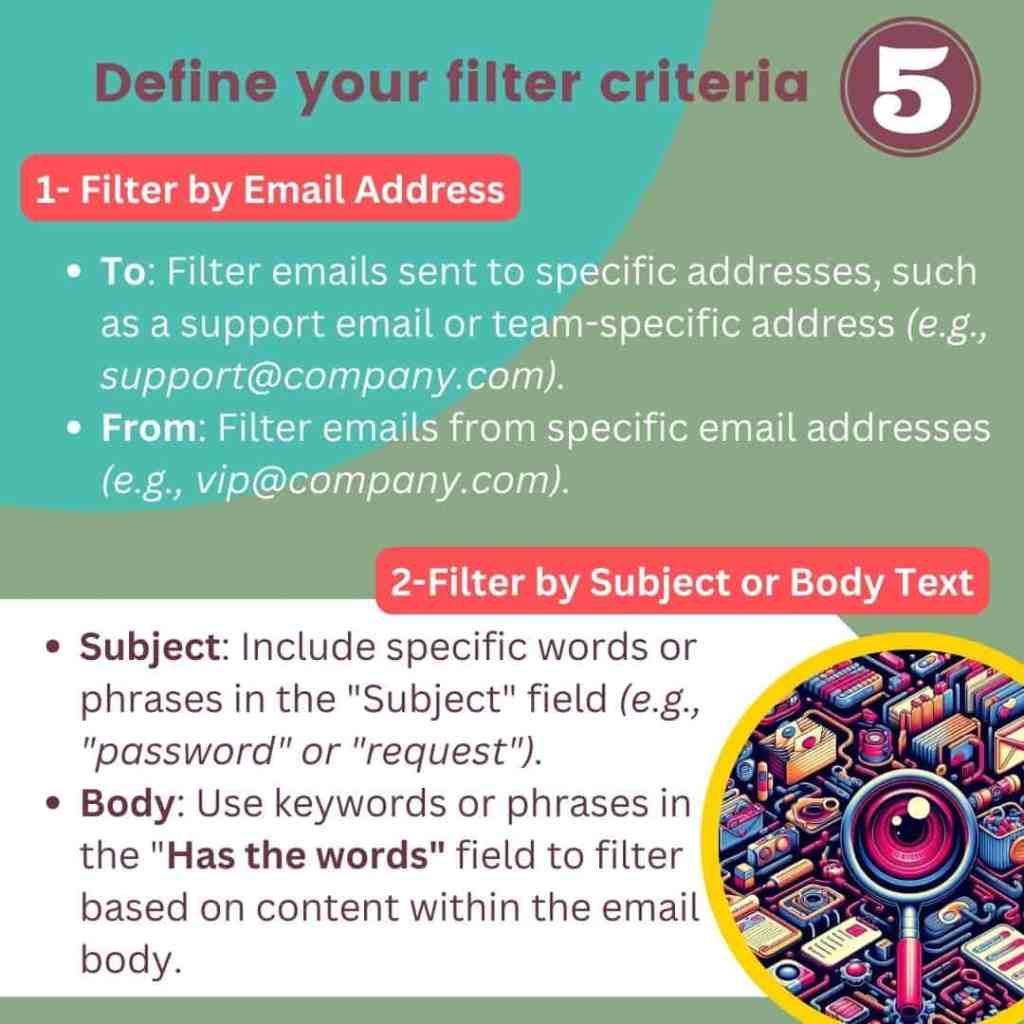
Create your filters
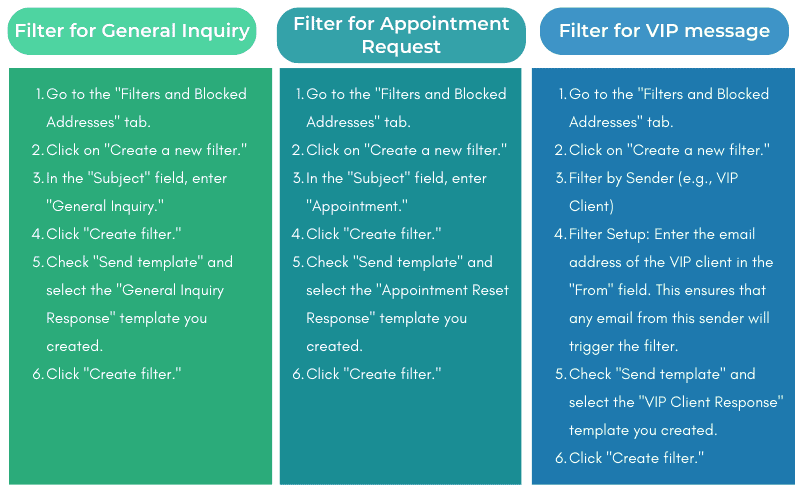
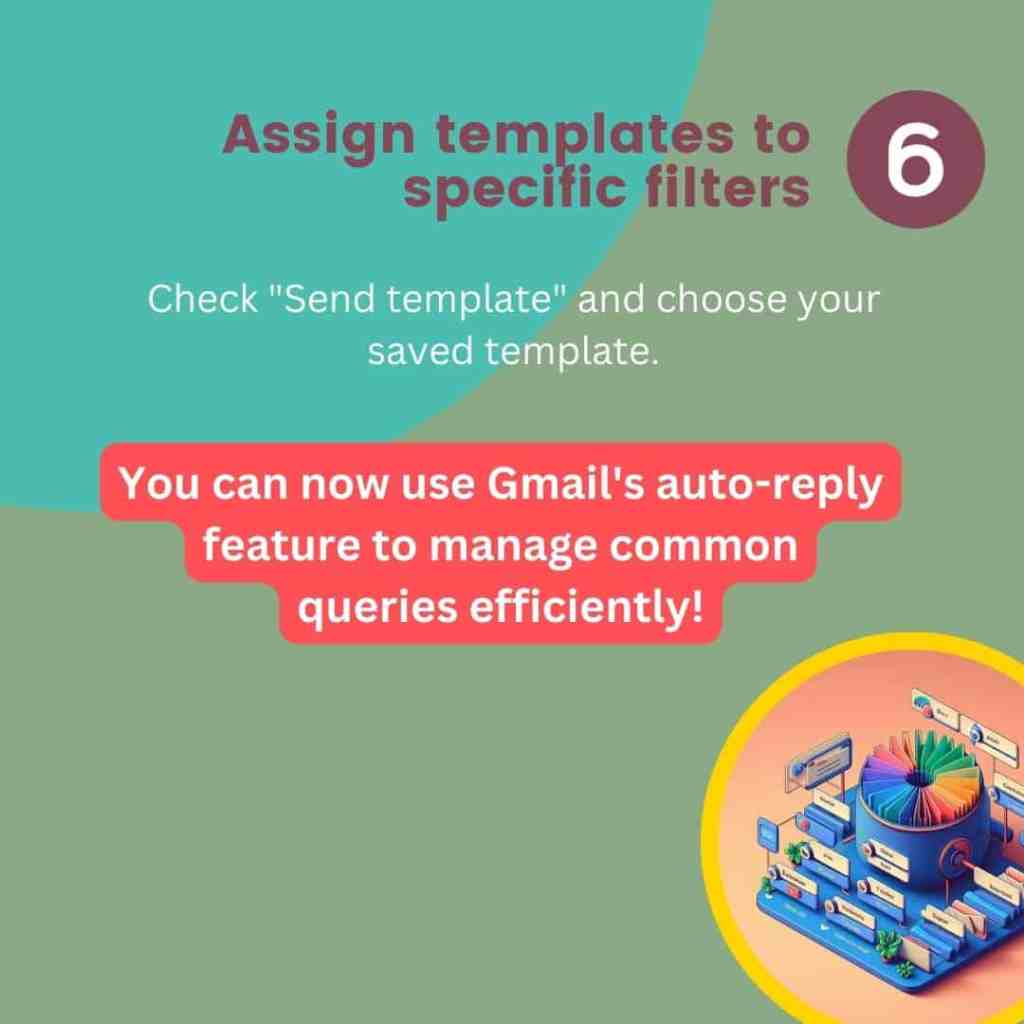
| By setting up email templates and automated responses in Gmail for different scenarios, you can ensure efficient and prompt communication. Creating specific filters for each type of inquiry helps in categorizing and managing emails effectively, thereby enhancing the overall user experience. |
Conclusion
Incorporating email templates and automated email responses into your communication strategy provides a foundation for more efficient and effective interactions.
Email templates offer a way to maintain clarity and consistency, while automated responses ensure timely and relevant feedback.
Together, these tools enhance your ability to manage communications efficiently, strengthen professional relationships, and present a consistent and professional image.
Adopting these strategies will streamline your processes and significantly improve how you connect with clients and colleagues.

Prefer a visual? Explore the key points in this Slideshow presentation:



Ready to delegate? Explore the unique value I add to your business!
Click here to learn more about my services and how I can bring a holistic approach to your work.
 Cath Assist Service